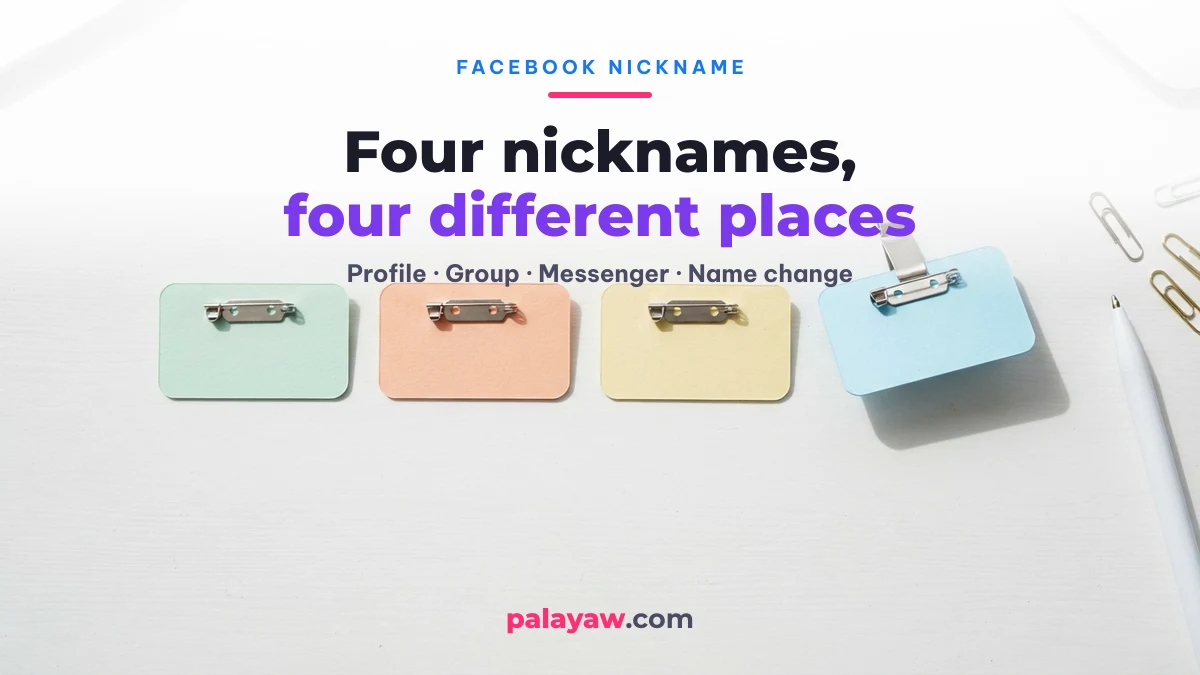
There are four different things people call a “Facebook nickname”, and they are changed in four different places. The one most people want is Other names on your profile — an extra name that sits beside your real one. Group nicknames, Messenger chat nicknames and an actual name change are separate features with separate rules. Pick the right one below and you are done in under a minute.
Checked against Facebook’s own Help Center on 27 July 2026; reviewed again on 6 October 2026. We have not photographed each screen on our own account yet, so treat exact menu labels as verify on your phone. Facebook ships interface changes constantly, so the menu wording on your phone may read slightly differently from the wording here — the path and the rules are what stay stable.
Which “nickname” do you actually mean?
Choose the row that matches what you are trying to do. Getting this wrong is why most guides fail you: they show the profile steps when you actually wanted the group feature.
| What you want | Facebook feature | Who sees it | Main limit |
|---|---|---|---|
| An extra name beside your real name on your profile | Other names | Anyone who can see your profile | Must still follow Facebook’s name rules |
| Post in one group without showing your real name | Group nickname | Only members of that group | Changeable once every 2 days |
| A pet name for you or a friend inside one chat | Messenger nickname | Only people in that chat | Anyone in the chat can change it |
| Replace the name on your account entirely | Name change | Everyone, everywhere | Once every 60 days |
How to add or change a nickname on your Facebook profile
Your profile nickname lives under Other names, not under your name field. Adding one does not touch your real name and does not start the 60-day clock. On both the app and the desktop site the path is: open your profile → About → Name → Add another name.
- Tap your profile photo, then open your profile.
- Go to About, then Name.
- Choose Add another name.
- Pick the name type from the dropdown — nickname, maiden name, professional title and so on.
- Type the name you want.
- Tick Show at top of profile if you want it displayed next to your main name. Leave it unticked and the name still appears in your About section and in search.
- Save.
To edit or remove it later, walk the same path and use the edit icon beside the name, then Remove to delete it. (Source: Facebook Help Center — Manage other names on your profile.)
The part most guides leave out: unticking “Show at top of profile” does not hide the name. It stays visible in your About section and in search results. If you want a nickname nobody can look up, Other names is the wrong feature — use a group nickname instead.
How to change your nickname in a Facebook group
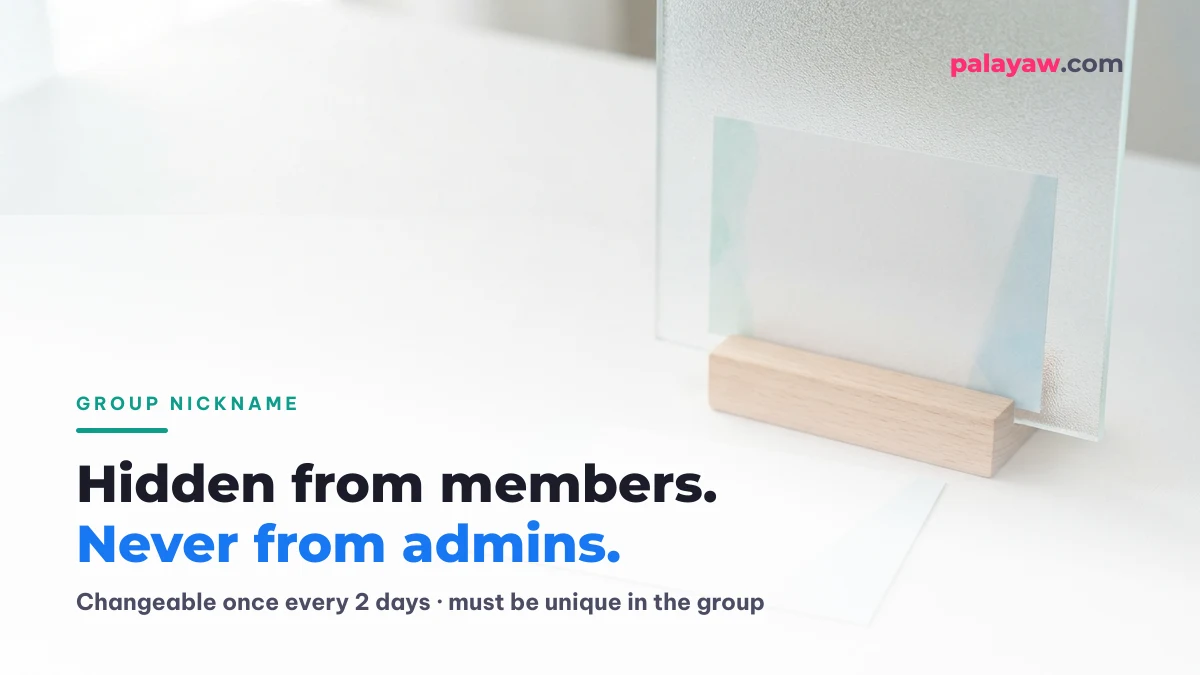
A group nickname hides your name from other members of that one group — but never from the admins. Facebook states plainly that your main profile name and photo stay visible to admins, moderators and to Facebook itself. Treat it as privacy from other members, not anonymity.
- Open the group and start a post — tap Write something…
- Turn on Post anonymously if this is your first time setting one up.
- Choose Customize nickname and follow the prompts.
- Write your post and send it.
Four limits are worth knowing before you commit to a name, all of them stated by Facebook:
- Two people cannot hold the same nickname at the same time in one group — so a popular palayaw may already be taken.
- You can change it only once every 2 days.
- You can post, comment and react under the nickname, but you cannot go live, share content or send messages with it.
- Using the same nickname in several groups makes it easy for someone to link it back to your main profile.
All four are stated on Facebook’s own help page for participating in a group with a nickname.
How to change a nickname in a Messenger chat
Messenger nicknames are chat-specific: they exist only inside that one conversation and vanish everywhere else. Open the chat, tap the name or photo at the top to open chat settings, and look for Nicknames. Pick a person, type the nickname, save.
Two things surprise people here. Anyone in the chat can change anyone’s nickname, including yours — it is a shared setting, not a personal one. And in a group chat, everyone in that chat sees the change immediately.
Why can’t I change my nickname on Facebook?
Almost every failed nickname change comes down to one of four causes. Work through them in order:
- You are editing the wrong field. If Facebook is warning you about a waiting period, you are in the name field, not in Other names. Adding an other name has no waiting period.
- You changed your actual name in the last 60 days. Facebook’s rule is explicit: you cannot change your name more than once within 60 days. Other names are not affected by this.
- The name breaks the name rules. Facebook asks everyone to use the name they use in everyday life. Symbols, decorative fonts and made-up spellings get rejected in the name fields.
- Someone already took it — for group nicknames only, where names must be unique inside the group.
Can you use symbols and fancy fonts in a Facebook nickname?
In the profile name fields, no. Facebook wants the name you actually use in daily life, and its name fields reject decorative characters and unusual spellings. This is the single most common disappointment for people arriving from a stylish-name generator — the font looks perfect in the box and gets refused on save.
Where decorated names do work is everywhere Facebook treats the text as content rather than as an identity: your bio, your posts and comments, group nicknames in many cases, and Messenger nicknames. That is also true off Facebook — the same characters that get rejected here work in a Mobile Legends: Bang Bang IGN or a TikTok display name.

If you want something decorated for those places, build it on the Palayaw home page: type your name, pick a style, and copy the result, or take a symbol straight from the copy grid there. Test it in the field you plan to use it in before you get attached to it — that is the only reliable check.
116 nickname ideas for Messenger, groups and your bio
These are for the places where Facebook treats a nickname as content, not as your legal name: Messenger chat nicknames, group nicknames and your bio. Do not paste the decorated ones into the Name or Other names field — those follow the name rules above and will reject symbols. Tap any item to copy it.
Palayaw for your jowa (Messenger)
For the tropa and barkada group chat
For the family group chat
Your name, styled — 16 ways to write «Juan»
Swap in your own name with the generator below. The last three use Unicode letter styles, which Facebook rejects in name fields but shows fine in a bio or a Messenger nickname.
Symbols to put around a nickname
Kaomoji for Messenger nicknames
Emoji that pair with a palayaw
Want these built around your own name? Type it into the Palayaw generator and copy the result:
Estilo para sa
Mga palayaw para sa ’yo
Halimbawa lang ito — ilagay ang pangalan mo sa itaas para sa sarili mong palayaw.
Mga symbol na bagay sa pangalan mo
Palayaw mula sa komunidad para sa —
Bagong dagdag ngayon
Magdagdag ng sarili mong palayaw
Panatilihing maayos — ang mga hindi tamang salita ay tinatanggal.
What if you want to change your real name instead?
That is a different feature with a much heavier cost: once you change your name, you cannot change it again for 60 days. It also lives somewhere else entirely — not in your profile, but in Accounts Center:
- Open Settings & privacy, then Settings.
- Go to Accounts Center.
- Choose Profiles, then select the account you want to rename.
- Tap Name.
- Enter the new name and choose Review changes.
- Confirm with Save changes.
Do not go looking under Personal details — that section holds your contact info, birthday and identity confirmation, not your name. Facebook may also ask you to confirm your identity before it accepts the change. (Source: Facebook Help Center — How to change your name on Facebook.)
Prefer to read this in Filipino? We have a step-by-step Taglish guide to changing your Facebook name, including the Facebook Lite and Page paths.
Two warnings that matter in the Philippines, where a palayaw is often better known than the name on the birth certificate:
- Putting a palayaw in the name field instead of the Other names field is what triggers identity checks. If you simply want people to find you as “Jun-jun”, add it as an other name and keep your real name where it belongs.
- Dropping your surname to run a single-name profile goes against Facebook’s real-name policy. People do it, and it does sometimes cost them the account. We are not going to pretend the risk is zero — the trick and its real risks are laid out in Facebook single name (walang apelyido).
Kung ang hinahanap mo naman ay hindi ang hakbang kundi ang ideya — anong pangalan ang ilalagay — nasa Facebook stylish name ang listahan ayon sa uri, ang simbolo na ligtas isabay, at ang panuntunang madaling tandaan kung bakit may pangalang tinatanggihan ng Facebook.
Facebook name guides on Palayaw
This page covers the four kinds of nickname. Each of these goes deeper on one question:
- Paano magpalit ng pangalan sa Facebook — 7 hakbang: the full Taglish walkthrough for your real name, Facebook Lite and Pages.
- Facebook stylish name — symbols Facebook accepts: which symbols pass, which get rejected, and name ideas by style.
- Facebook single name without a surname: what the one-name trick involves and what it can cost.
Share your palayaw or IGN
Used a nickname that Facebook or a game accepted — or refused? Send it in. An editor checks every entry before it appears below, with the date it was sent; there are no fake counts here.
Frequently asked questions
How do I change my Facebook profile nickname?
Open your profile → About → Name → Add another name, choose Nickname as the type, enter it and save. Tick “Show at top of profile” to display it beside your real name.
How do I set a nickname on Facebook without changing my name?
Use Other names. It is a separate field from your account name, it does not replace your name, and it does not start the 60-day waiting period.
How do I rename my Facebook profile?
Settings & privacy → Settings → Accounts Center → Profiles → pick the account → Name → Review changes → Save changes. This changes the name everyone sees, and locks further name changes for 60 days.
Can I remove a nickname later?
Yes. Go back to About → Name, tap the edit icon next to the name, and choose Remove. There is no waiting period on removing an other name. The 2-day limit people run into is a separate thing: it applies to changing a group nickname, not to removing a name from your profile.
Who can see my nickname?
It depends which one you set. An other name is visible to anyone who can see your profile, including in search. A group nickname is visible to that group’s members, while admins and moderators still see your real name. A Messenger nickname is visible only inside that chat.
Subukan ang Palayaw Generator
Libre, walang sign-up — resulta agad-agad.